Hands-off
Auto-write from audio or transcript
Hand over a recording, transcript, or notes. Get back a first-person chapter in a party member’s voice, with the table chatter filtered out.
Free TTRPG story writer
Play your game like always. We handle the writing; you polish it to perfection.
By signing up, you agree to our Terms and Privacy Policy.
Free to start. Drafts automatically written in minutes; edit and refine until its perfect.
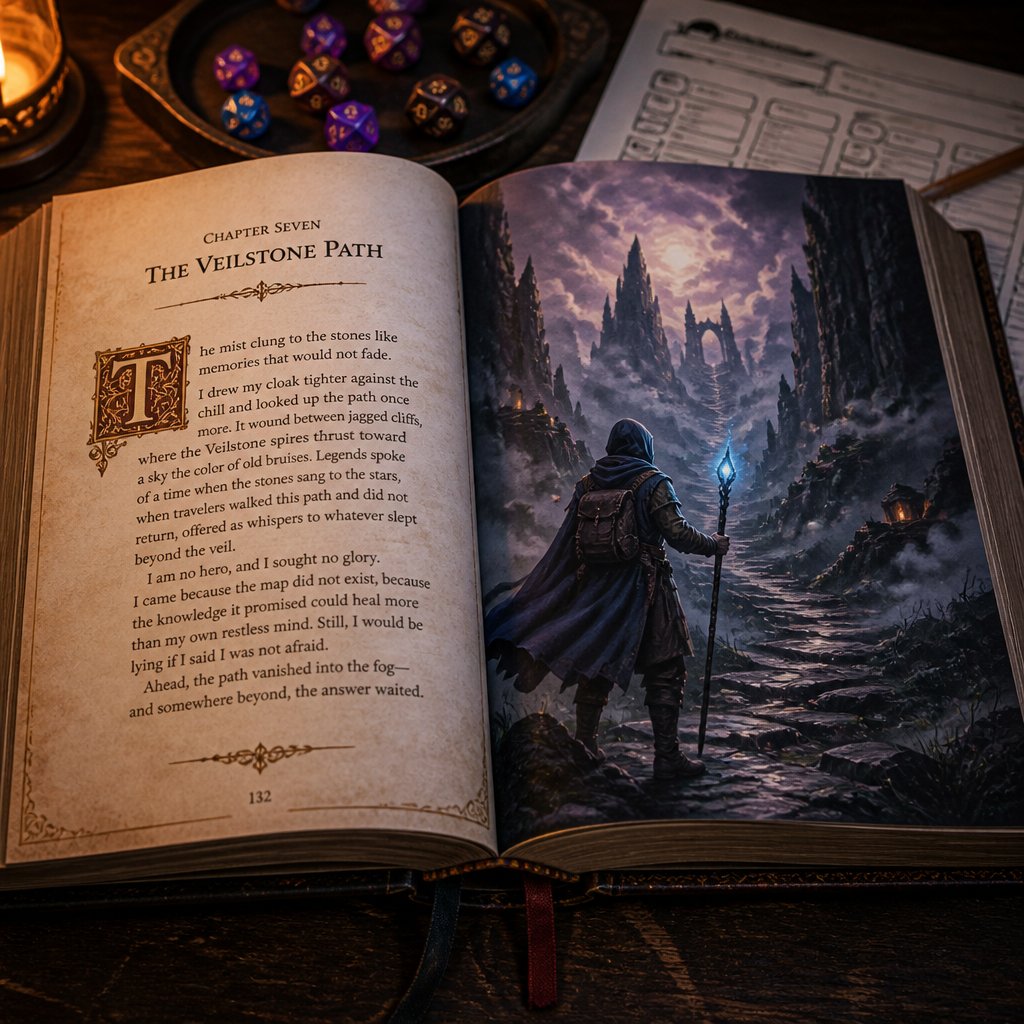
Your weekly session becomes a polished chapter in three steps.
Play as usual — keep a recording going or jot notes, then load them in.
Minutes later: a first-person chapter in a party member's voice, table chatter cleaned away.
Add missed scenes and reshape the prose with one-click tools. You decide every line that ships.
Written, then shared
Refine a line, then share the finished tale with a link.
We did not toast. There was nothing left to toast for. The priest was buried, the river was on fire, and Mira had taken to polishing her bracer in silence.
Chronicles of the Weeping Spire
The mist clung to the stones like memories that would not fade. I drew my cloak tighter against the chill and looked up the path once more, where the Veilstone spires thrust toward a sky the color of old bruises.
We draft the chapters; you hold the pen.
Hands-off
Hand over a recording, transcript, or notes. Get back a first-person chapter in a party member’s voice, with the table chatter filtered out.
Hands-on
Highlight any line and reach for three tools: Fix grammar cleans errors, Improve sharpens pacing, and Lengthen expands a beat. Accept or send back — your call.
First-person chapters written from your session — and the scenes they paint.
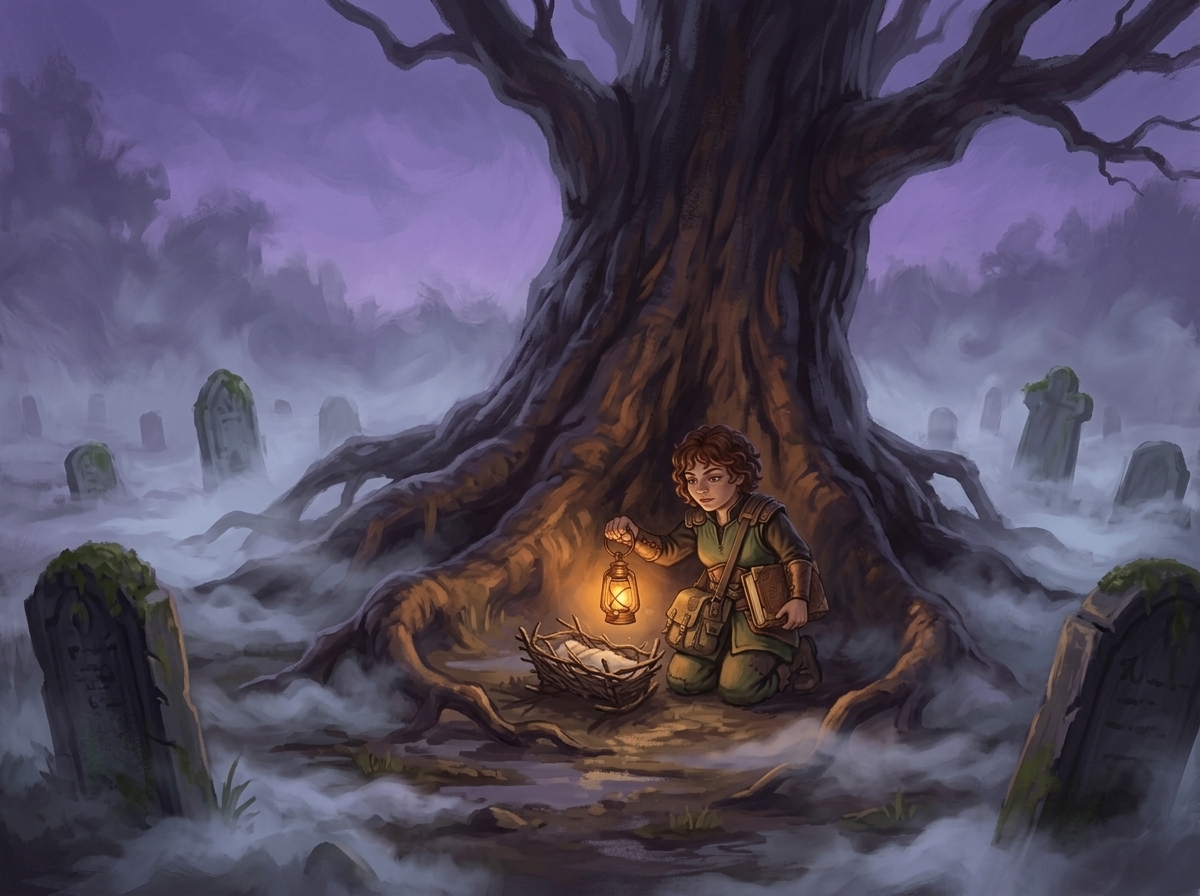
Chapter I
The barrow at Hollow Oak
A suffocating chill hung over the graveyard, the mist swallowing the tombstones one by one. I knelt among the roots of the old oak and lifted my lantern — and there it was, the small woven nest, just as the vision promised. My heart hammered as the frail light touched it. I breathed a prayer that I was not too late.
Chapter IV
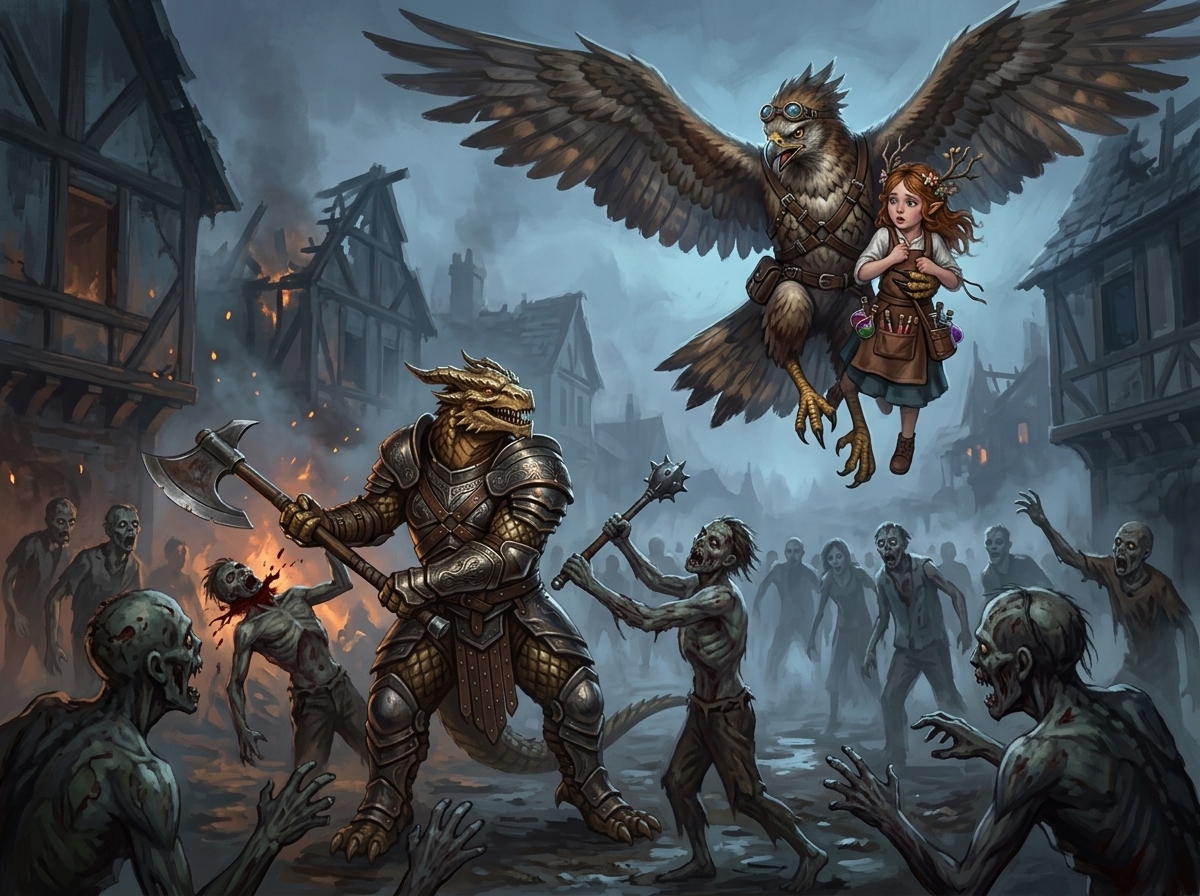
The fall of Ashmoor
The dead came up the lane faster than we could count them, and half the street was already burning. Sarn set his feet and swung — the axe took the first one clean, and he did not slow for the next. Above us Pip clung to the owl’s harness, hurling down what potions she had left. We would hold this row, or we would not leave it.
Chapter VI
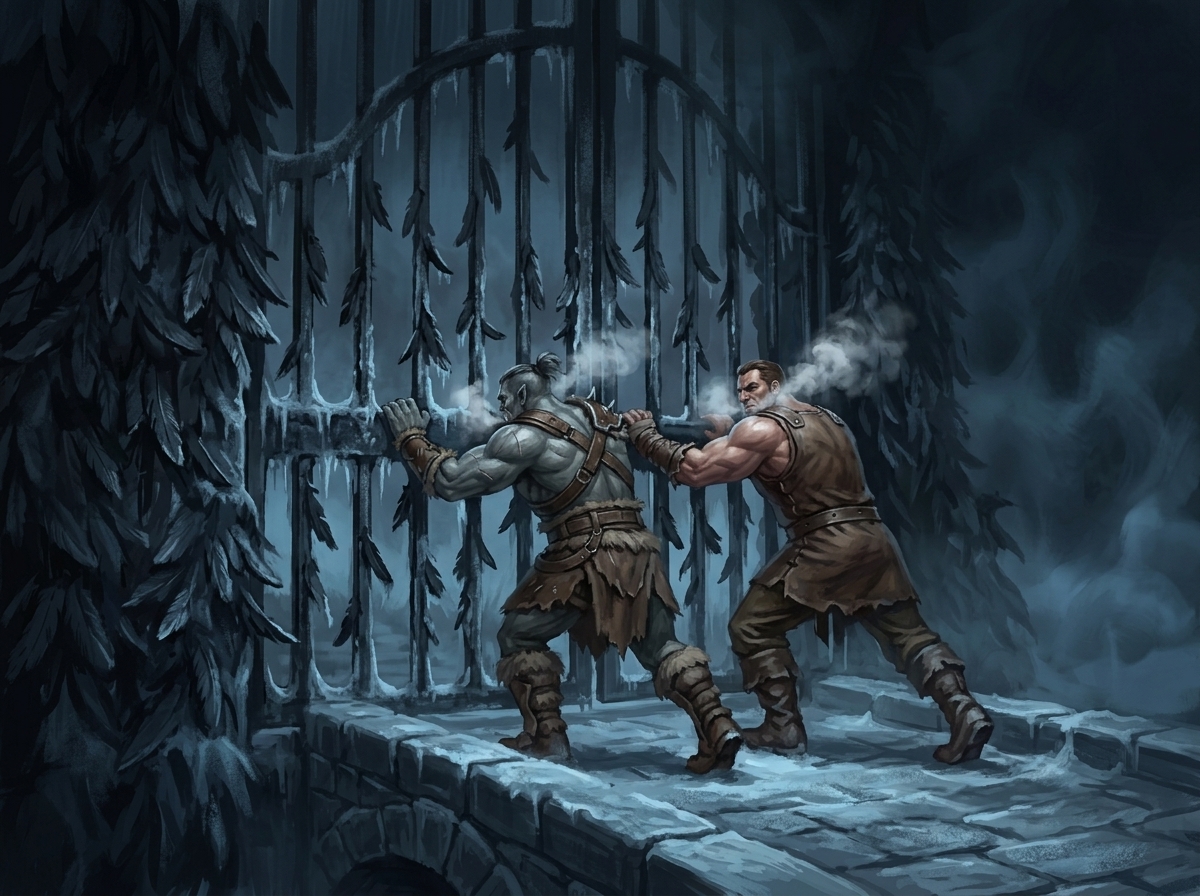
The Wintergate
The gate was frozen shut, and Korgan would not wait for a key. He set his shoulder to the bars while I braced against him, both our breaths ghosting white in the dark. The iron groaned. The cold bit through every glove and buckle — and somewhere past the pines, something was already coming to meet us.
More from Chronicle & Canvas
Tweak your character's look until it's absolutely perfect.
Auto chapter art plus on-demand scene illustration.
Public read link plus key scene images ready for friends, family, and socials.
Track every session in one chronological timeline.
Bring in your session and walk away with a story worth reading. We write the first draft; you refine it to perfection. Free to start.
Auto-write is included on every plan. No credit card required.
By signing up, you agree to our Terms and Privacy Policy.