Free fantasy portrait creator

Meet your party.

Describe your TTRPG character. We paint them.

By signing up, you agree to our Terms and Privacy Policy.

No credit card. No watermark.

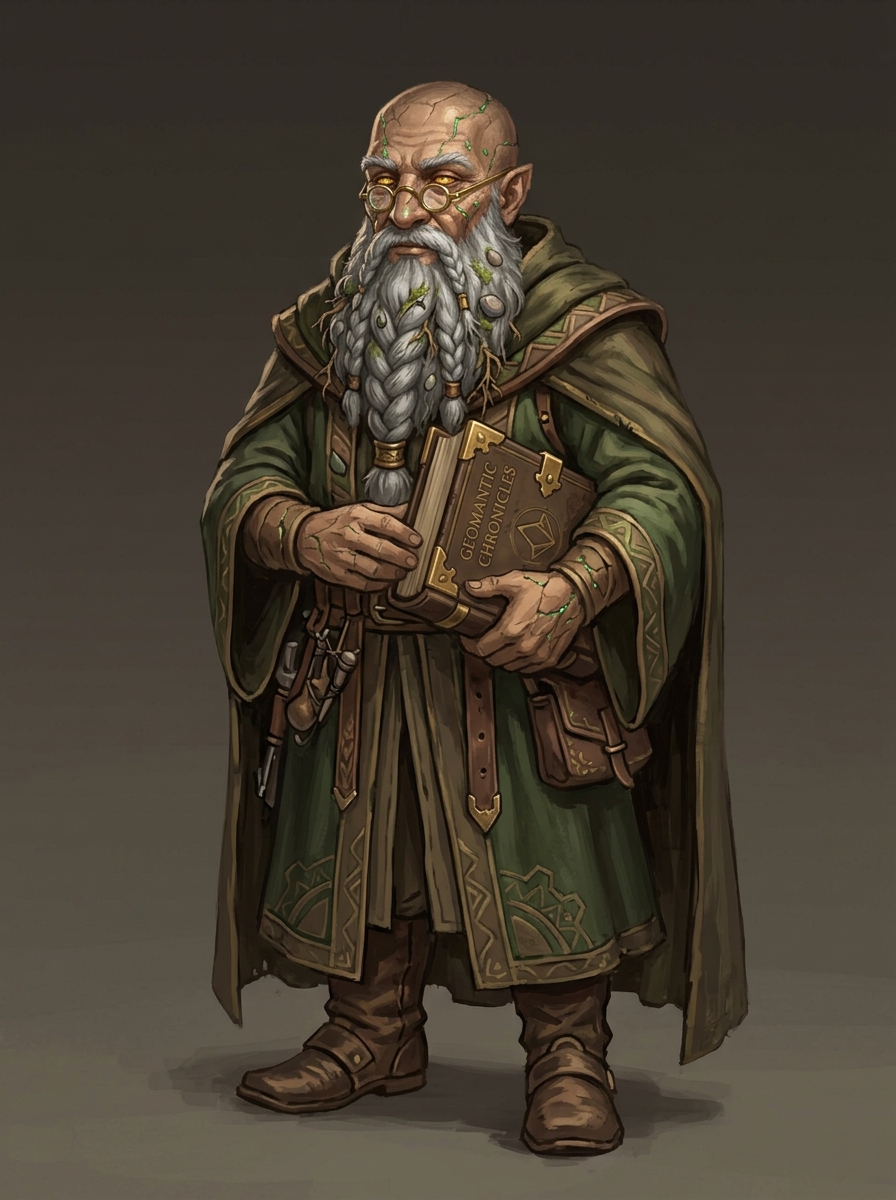
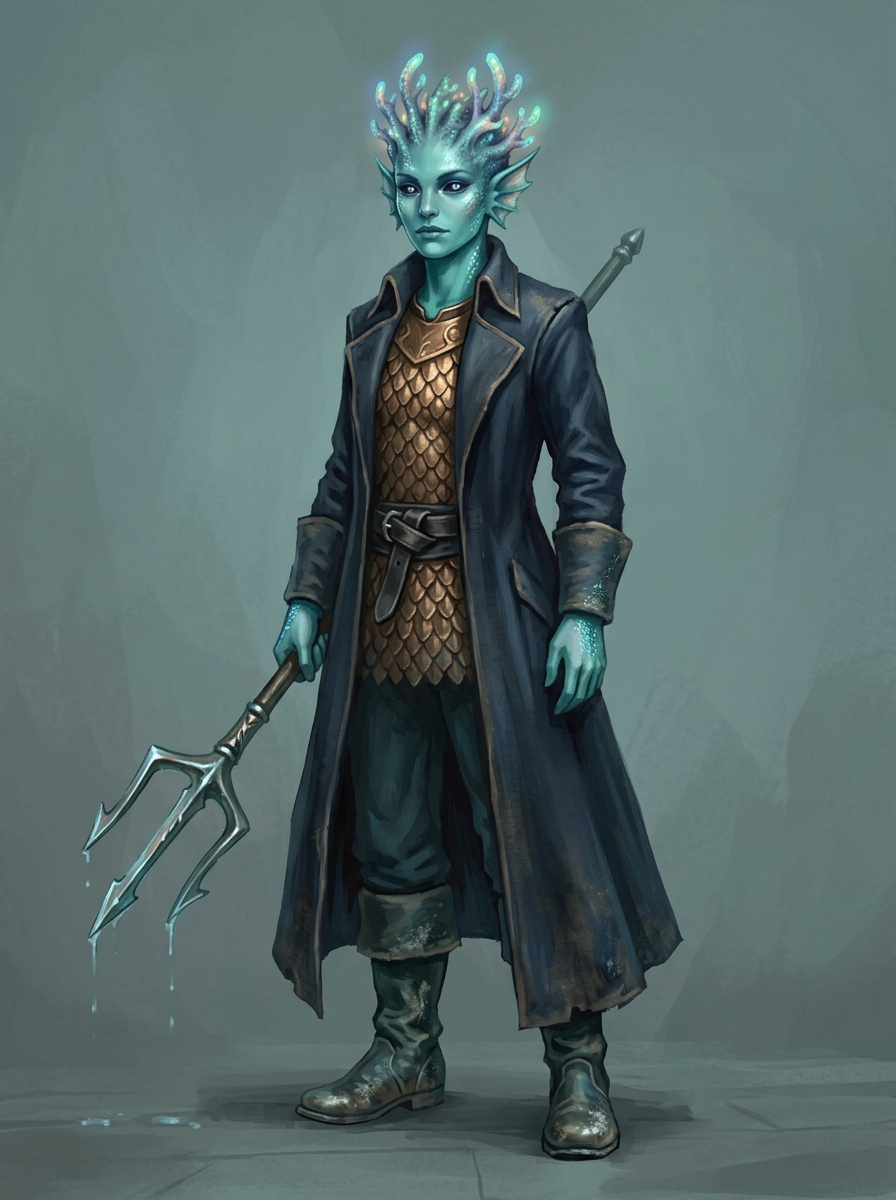
Fantasy portrait of Bramble, a half-elf rogue
Fantasy portrait of Elidore, a high-elf wizard
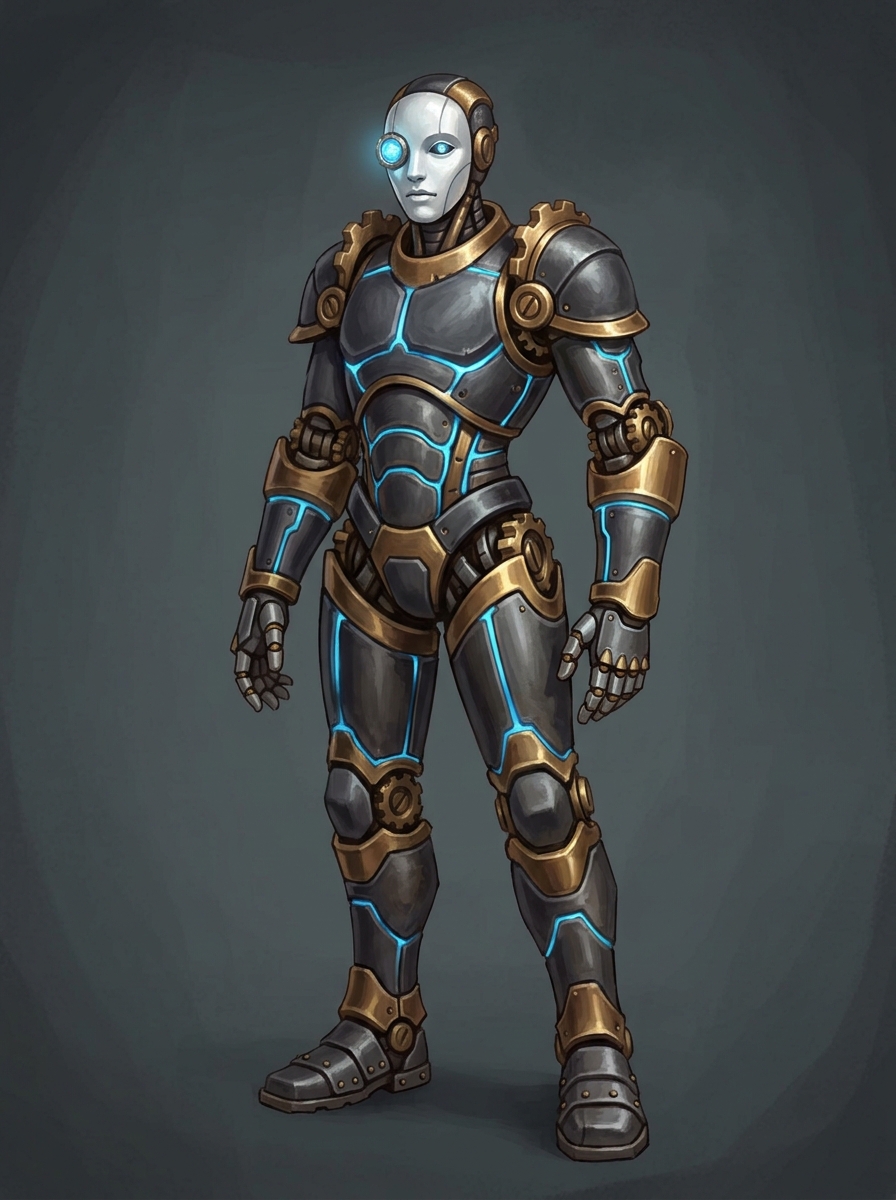
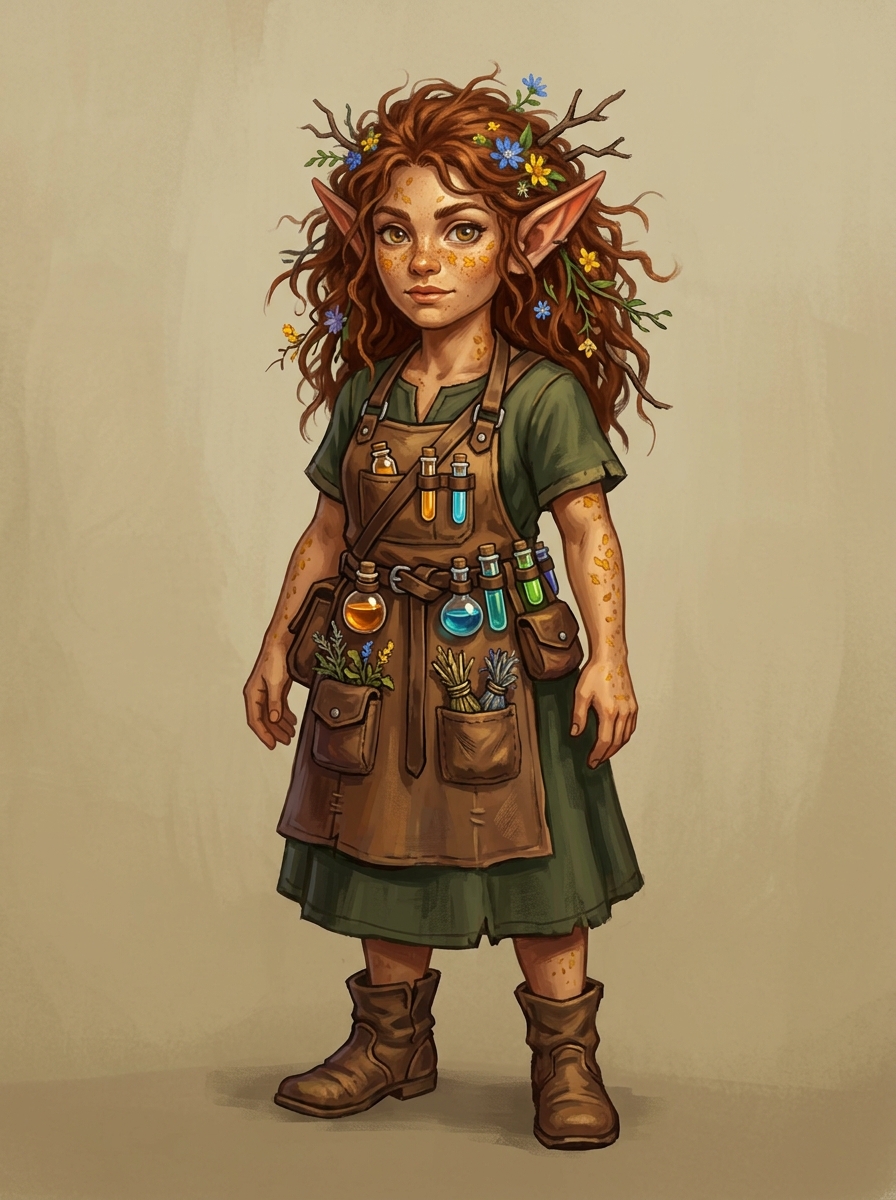
Fantasy portrait of Gearheart, a gnome artificer
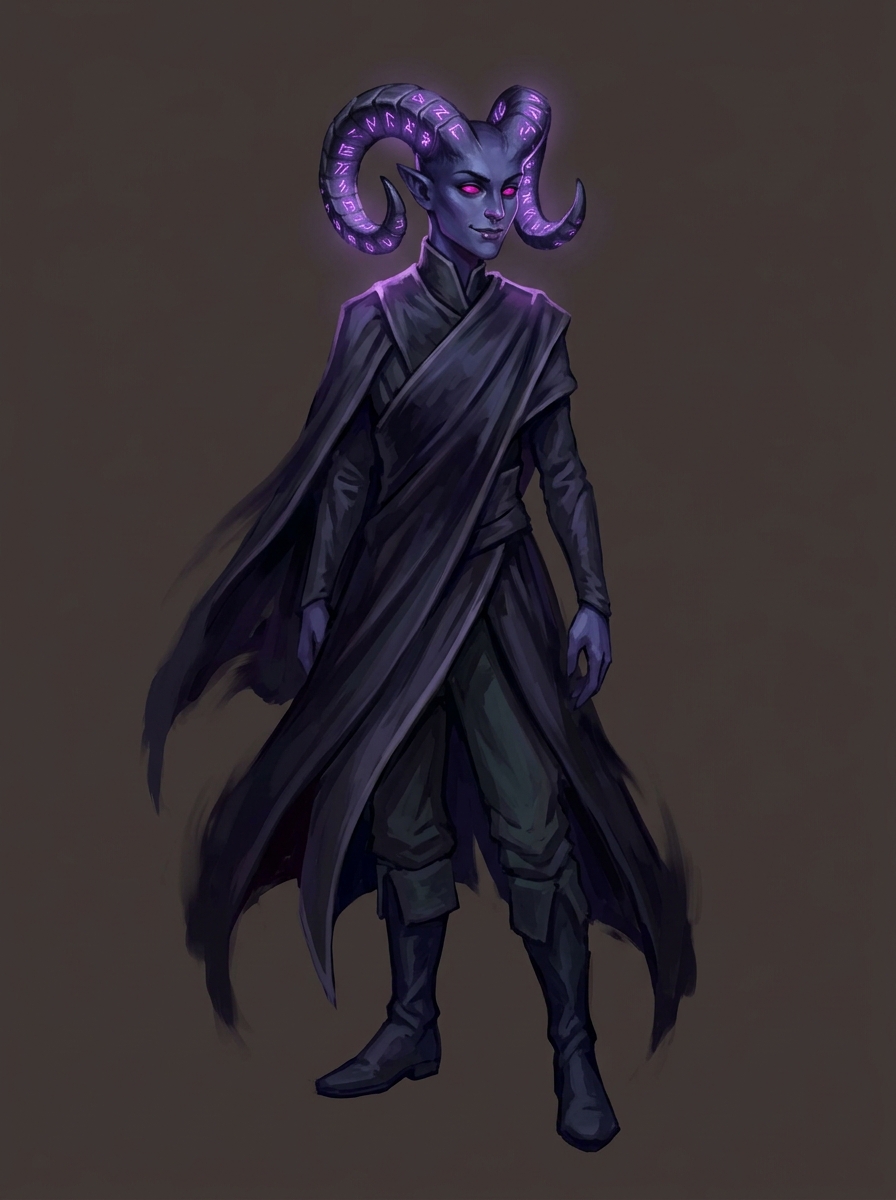
Fantasy portrait of Kaelen Echo, a tiefling warlock
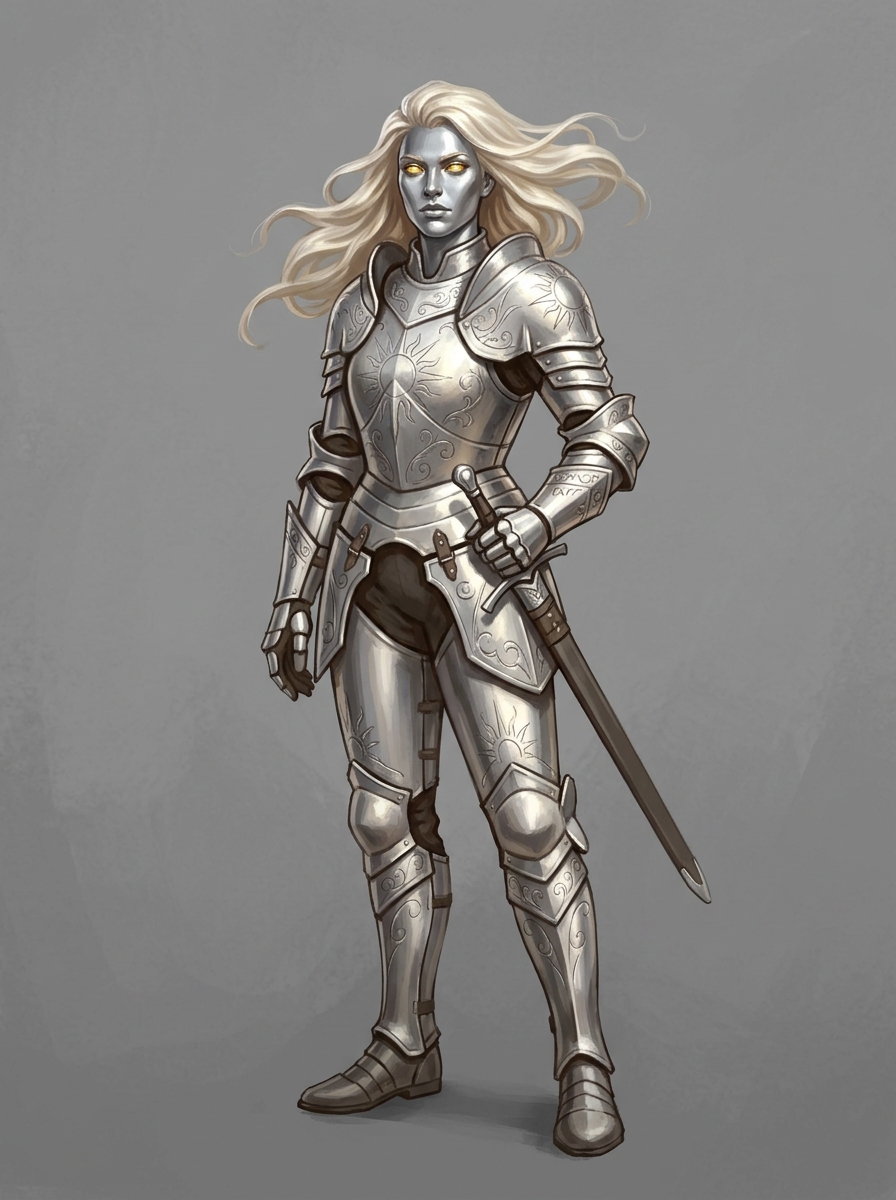
Fantasy portrait of Marina, a human paladin
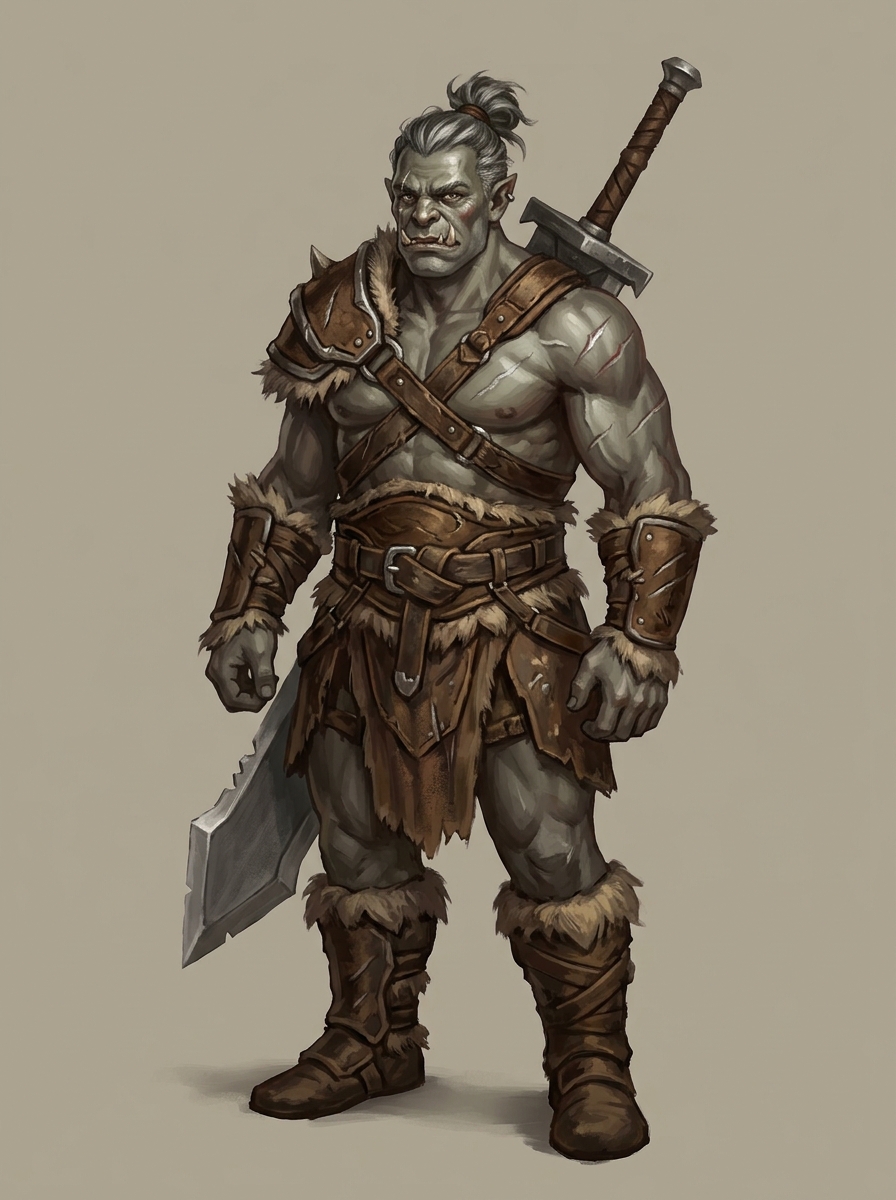
Fantasy portrait of Kresh, a half-orc barbarian
Fantasy portrait of Pip, a halfling bard
Fantasy portrait of Valerie Dawnspire, a human cleric

Show, don’t tell.

From one sentence to a painted portrait.

Real descriptions players typed. Real portraits Chronicle & Canvas painted back.

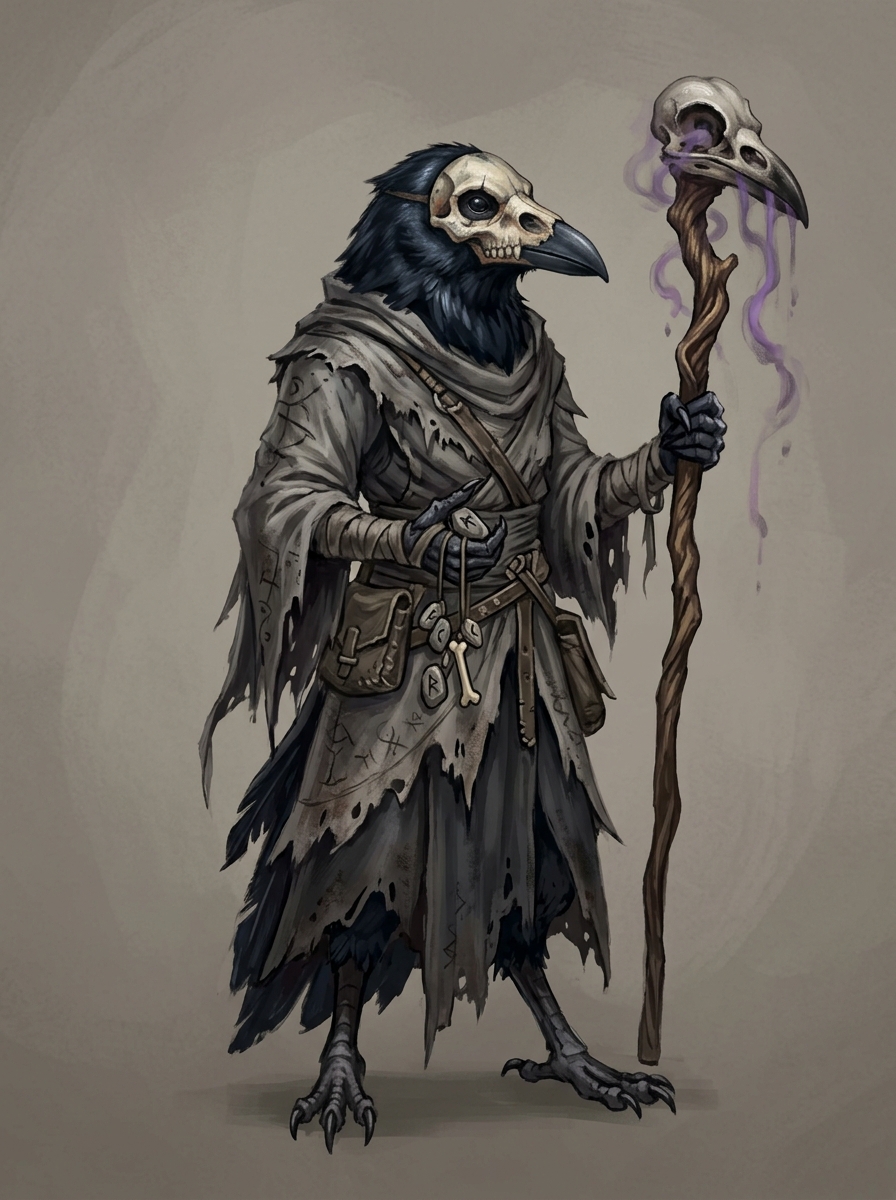
Sleek, oily black crow feathers, beak mask painted like a human skull, wrapped in tattered, ash-stained gray robes, holding a gnarly staff topped with a raven skull that drips faint purple mist.
Oracu, Crow-Folk
Fantasy portrait of Oracu, crow-folk
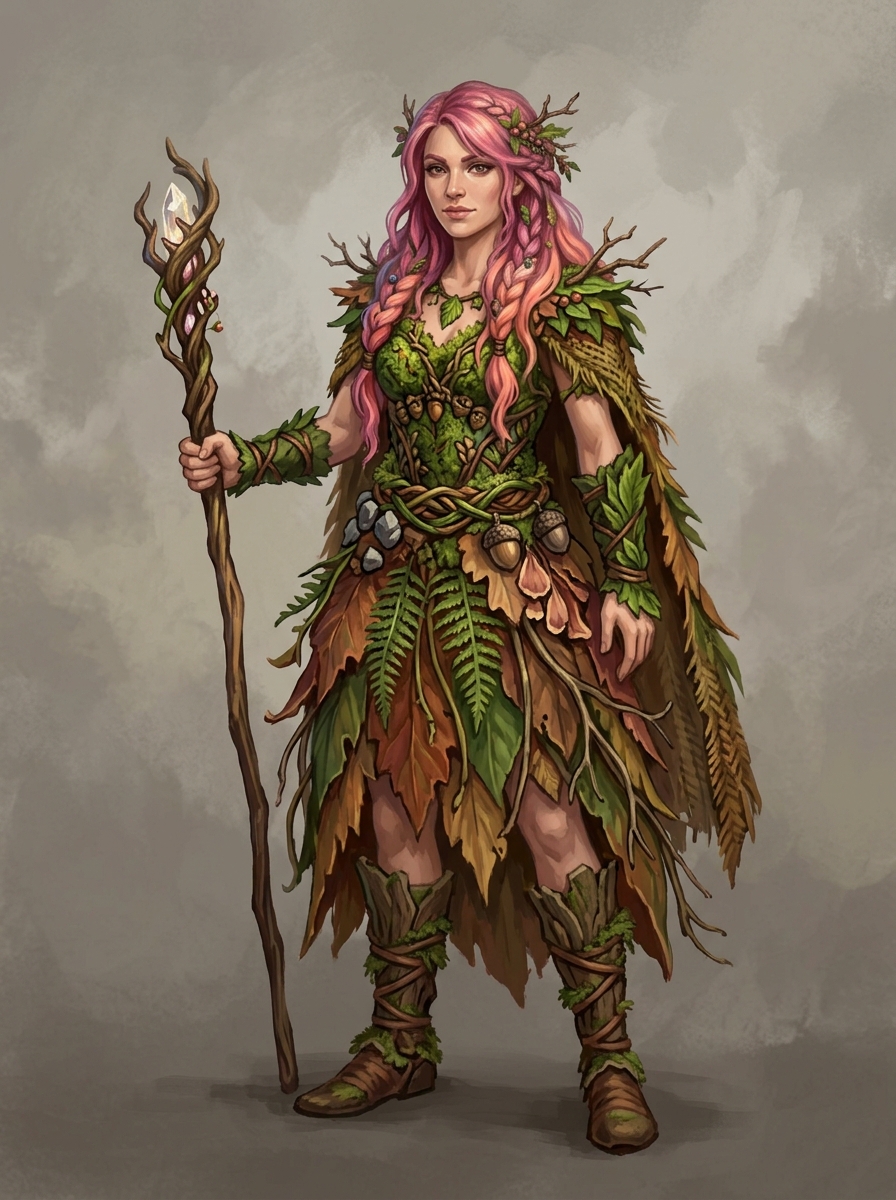
A human female druid with vibrant pink hair woven into long braids and adorned with small twigs and autumn berries. She wears a tunic and skirt intricately crafted from moss, ferns, and colorful leaves, holding a wooden staff.
Druida, Human Druid
Fantasy portrait of Druida, human druid
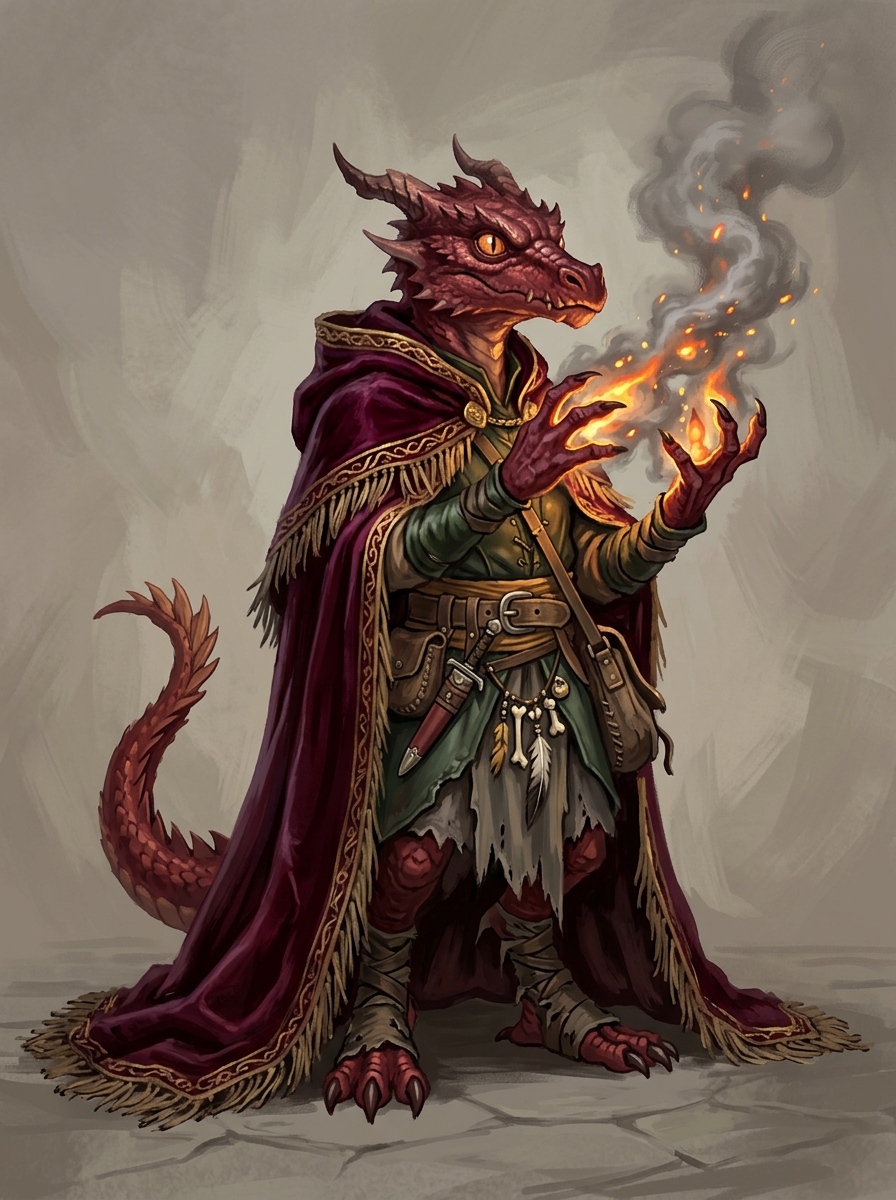
Tiny, red-scaled kobold with glowing embers smoking from his hands. He wears a ridiculous, oversized velvet cape that drags on the ground behind him."
Kobo, Kobold
Fantasy portrait of Kobo, Kobold
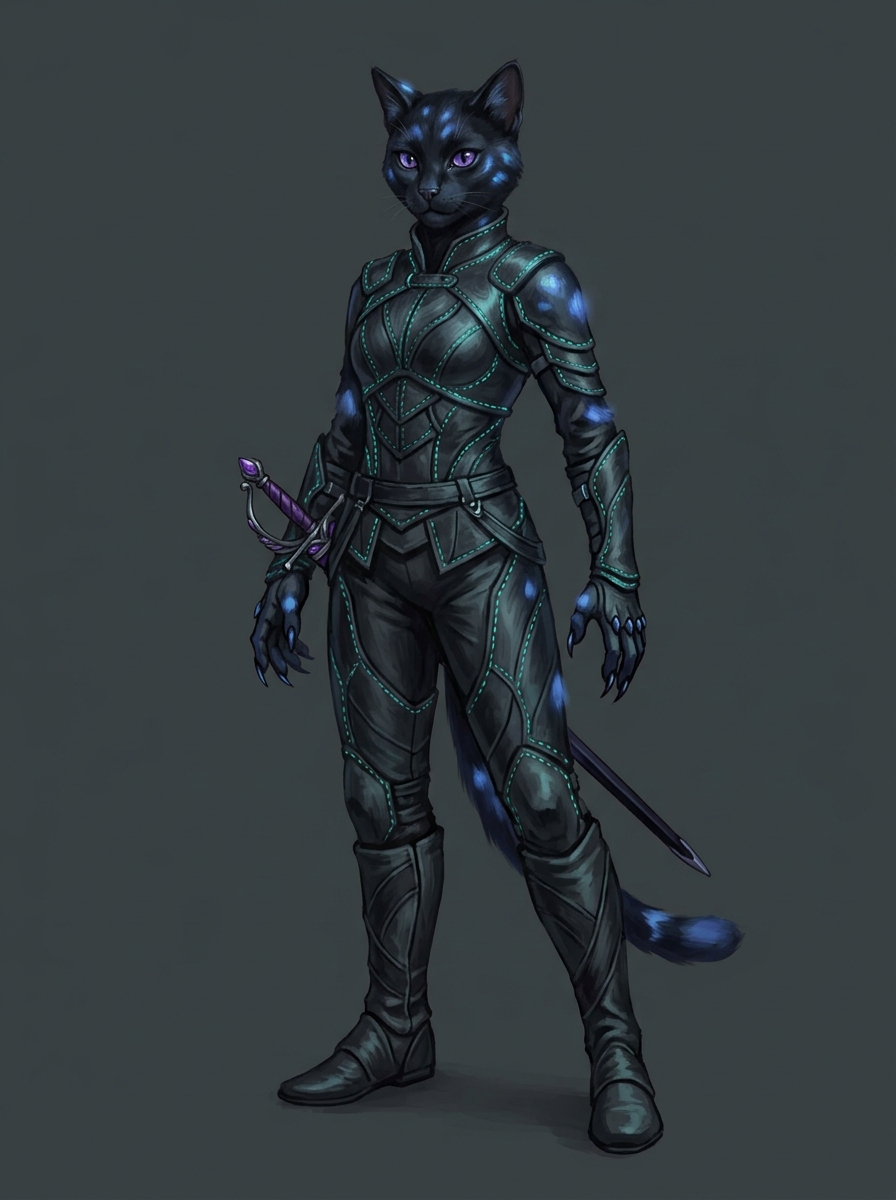
Sleek, jet-black Catfolk. Shimmering, deep-violet eyes. Clad in tight-fitting leather armor with bioluminescent teal thread, silent-step boots, and retractable claws on their gloves. An obsidian-bladed rapier with an amethyst-studded hilt is sheathed at their hip. Fur has subtle patches that slightly glow blue when moving in shadow."
Evial, Catfolk
Fantasy portrait of Evial, Catfolk

How it works

Three steps from a sentence to a portrait you’d be happy to put on a battle map.

1

Describe your character

Type a name and a short appearance description — race, class, the details that make them recognizable. Two or three sentences is plenty. No stat blocks, no system math.

2

Watch the portrait paint itself

Chronicle & Canvas turns your description into a fantasy themed character portrait — stylized the same way your characters might appear in a classic tabletop manual.

3

Refine until it's right

Edit the appearance and try again, or send a short instruction like "make her hair longer." Every variant is kept, so you can flip back to an earlier take.

Two ways to make a character

Whether you’re mid-campaign or sketching a rogue for next week, the path to your next character portrait is simple.

For active campaigns

From your session transcript

Upload a session — audio, transcript text — and Chronicle & Canvas extracts the party for you. Characters and their portraits, all from a single upload. Built for groups already mid-campaign who want the work done for them.

For prep and solo play

Build characters one at a time

Type a name and a sentence or two on appearance. A portrait is painted while you write — iterate on it until it lands, add a personality and backstory later, drop the character into any campaign whenever you want. Great for GMs prepping players, or solo writers building a roster.

Frequently asked questions

Is the character creator really free?
Yes. Every Chronicle & Canvas account starts on the free tier, which includes character creation and portrait painting. Higher tiers unlock features like advanced inline scene illustration and story editing, but getting started with your first characters — name, appearance, portrait, refinement — doesn’t cost a thing.
What TTRPG systems does it work with?
Any narrative TTRPG. The character creator only cares about the character’s name and appearance — it doesn’t look at stat blocks or class features. We see players using it for D&D 5e, Pathfinder 2e, Daggerheart, Dungeon World, Call of Cthulhu, World of Darkness, and plenty of homebrew systems. If you can describe the character in a sentence, it works.
What if the first portrait isn't quite right?
That’s the normal case — the first take is the starting point, not the destination. You can edit the appearance description directly and try again, or send a short refine instruction like “make her hair shorter” or “swap the staff for a spear” and Chronicle & Canvas rewrites the description for you before painting a new variant. Every variant is stored, so you can flip back to an earlier take if a new one drifts too far.
What art style do the portraits use?
Rich illustrations with expressive brushwork, modeled after classic adventure manuals. Stylized and full of character, not photorealistic. Every portrait shares the same cohesive visual language, ensuring your party looks like a legendary team rather than six unrelated art commissions.
How is this different from a generic AI image tool?
Three differences. First, the model is tuned around one curated fantasy art style, so portraits look like they belong in a campaign instead of in a generic gallery. Second, the workflow is built around TTRPG characters specifically — describe a character, get a portrait, refine, attach to a campaign — not a free-text canvas. Third, the portrait isn’t the end product. It becomes part of the character that follows your party into scene illustrations, story chapters, and your public share link.
Ready to meet your party?

Sign up free and your first character is a sentence away. Refine them as many times as you want — no credit card, no watermark.

Character creation is included on every plan. No credit card required.

By signing up, you agree to our Terms and Privacy Policy.